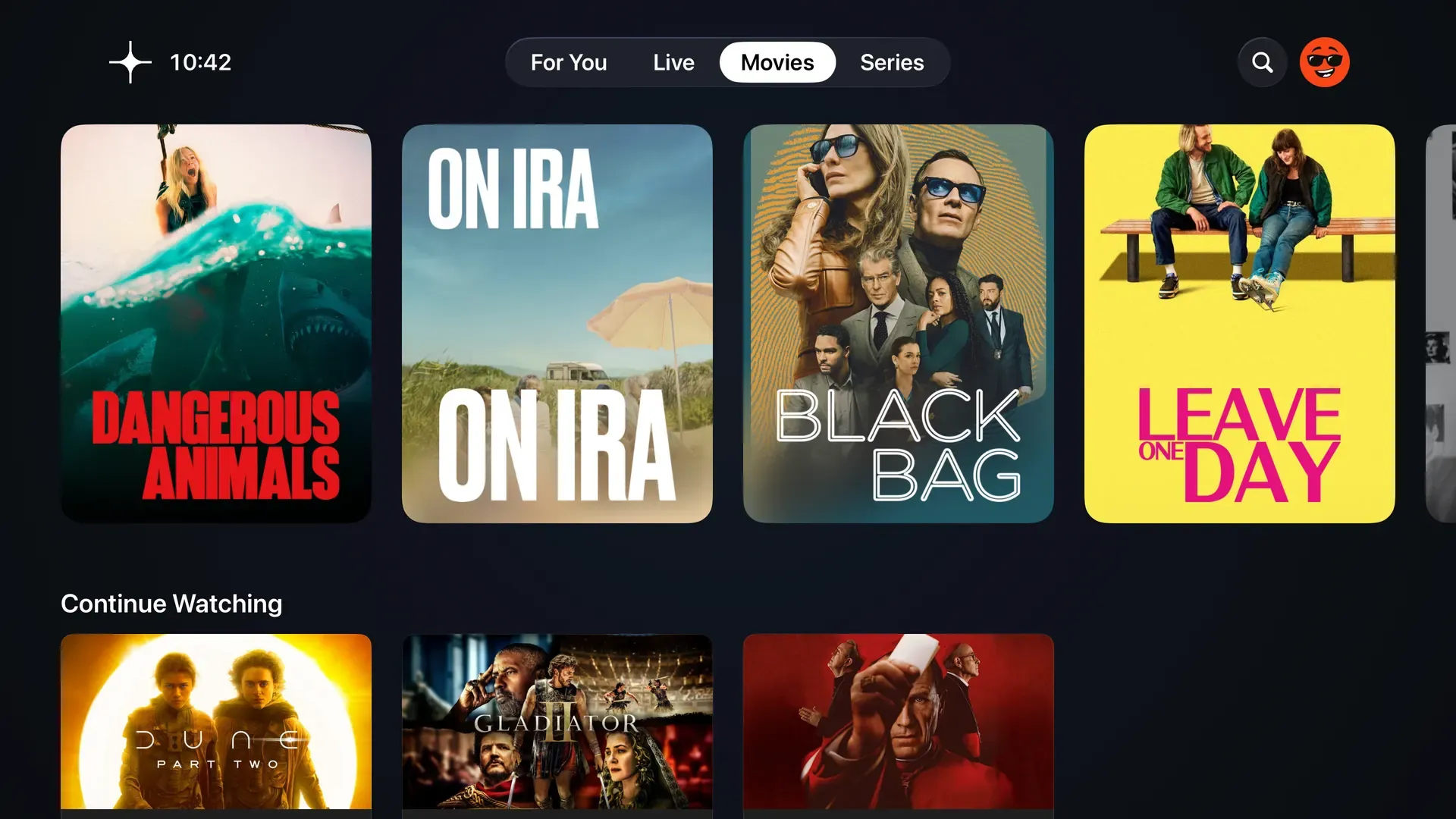
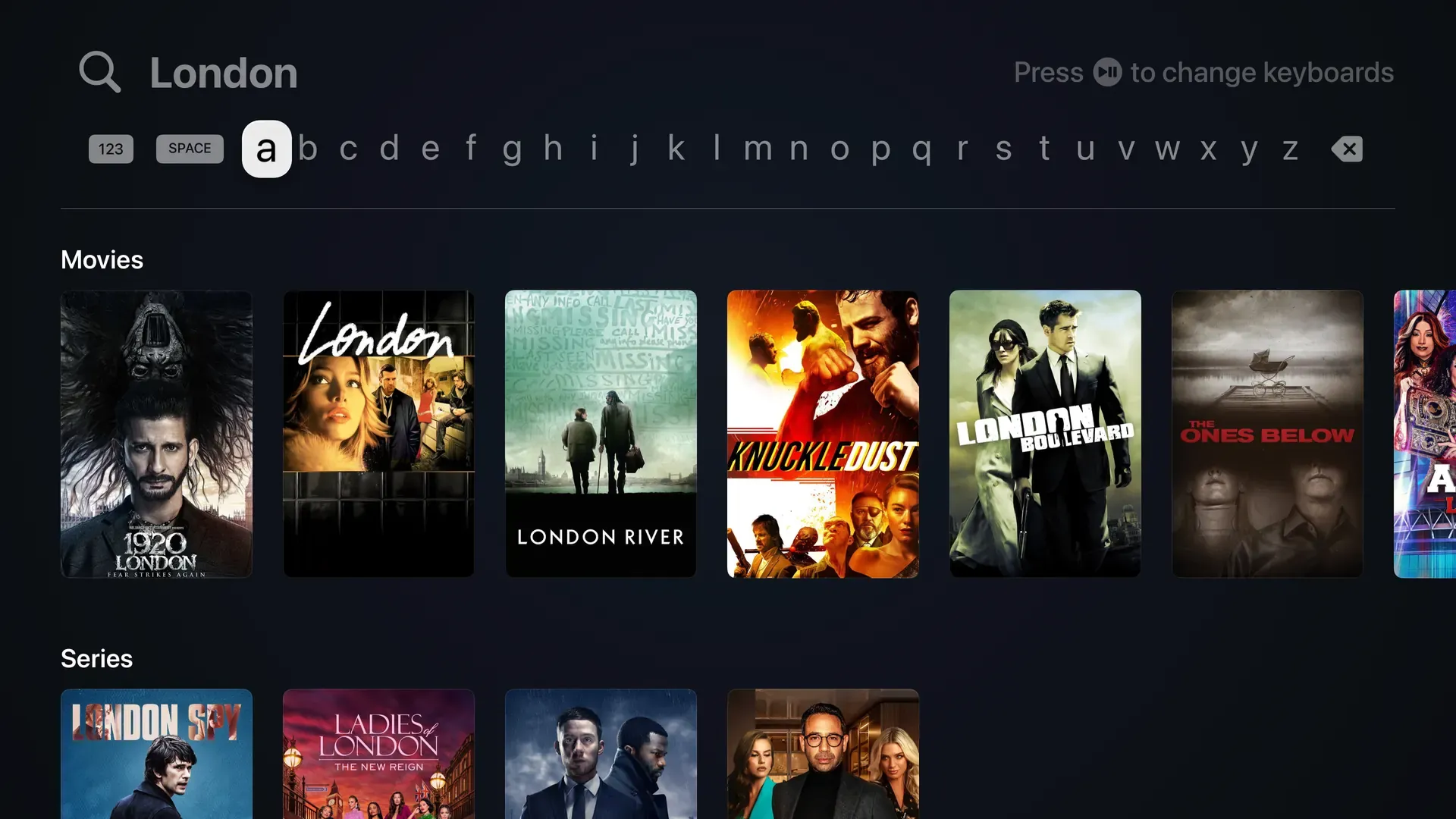
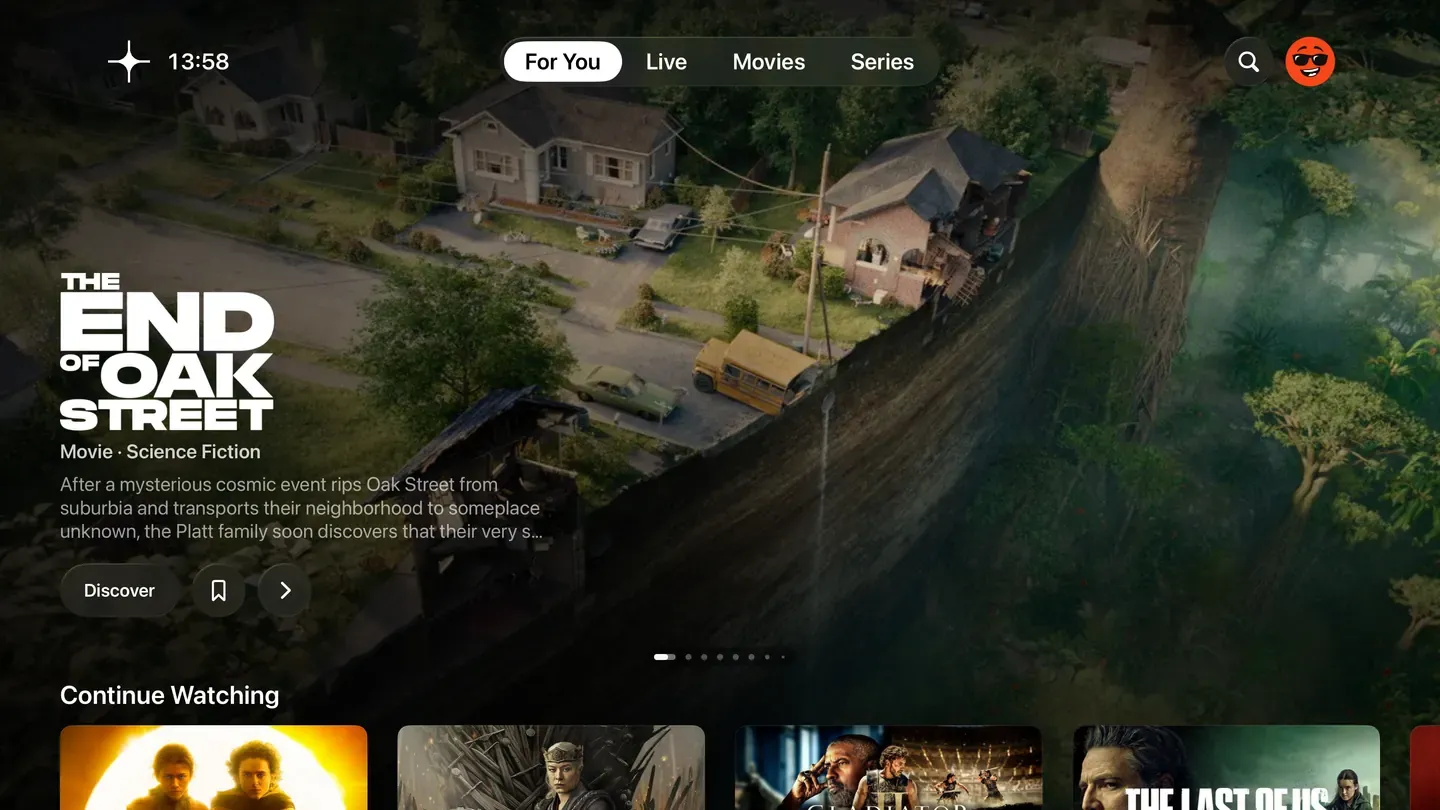
Now on the App Store. Free to download. Every feature included.

Zaply Download now

Built for Apple TV, iPhone, iPad and Mac

The IPTV player your whole family can share

Bring the playlist you already have. Zaply plays it, organises it, and shares it with the people you live with.

  • Household sharing included
  • No account, no servers
  • Free to download
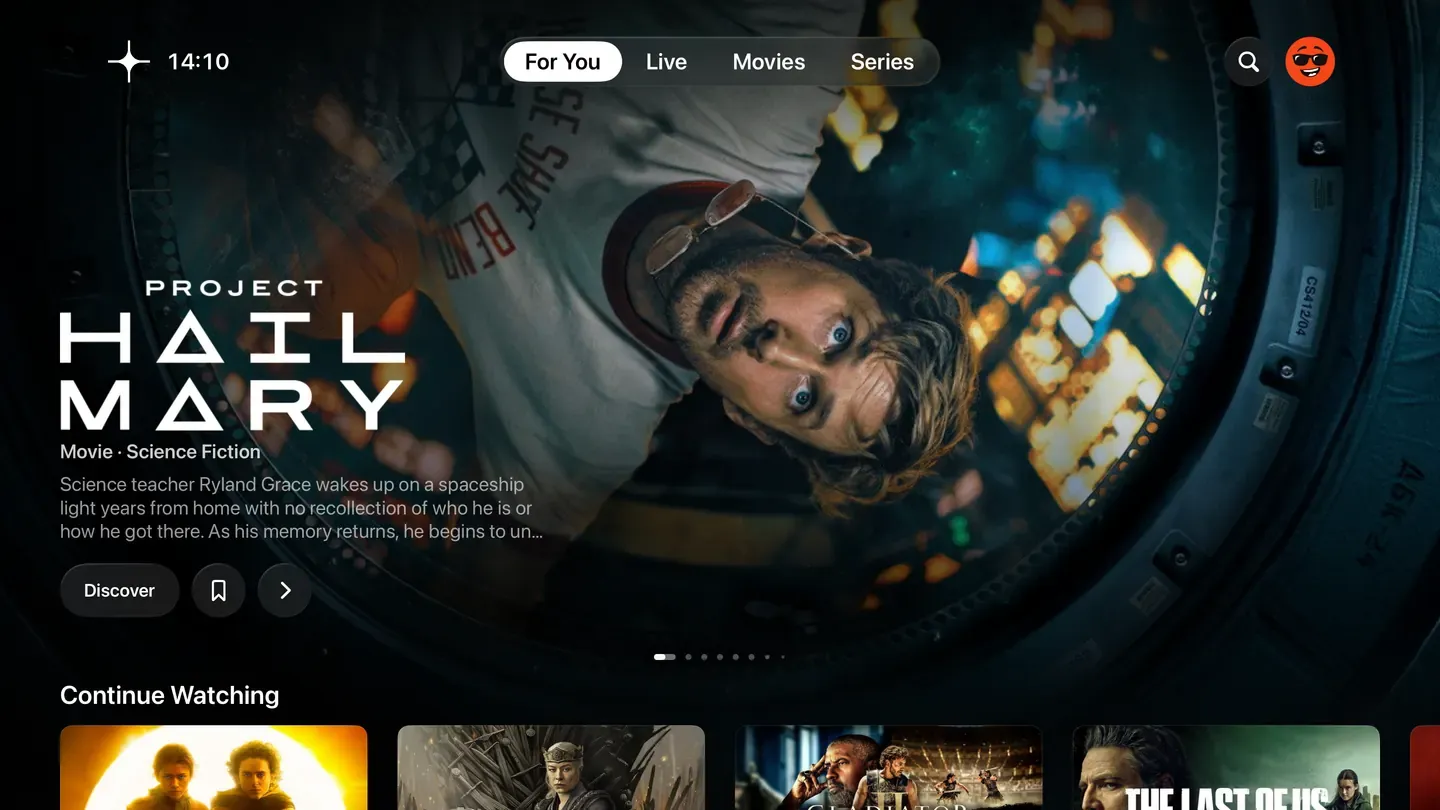
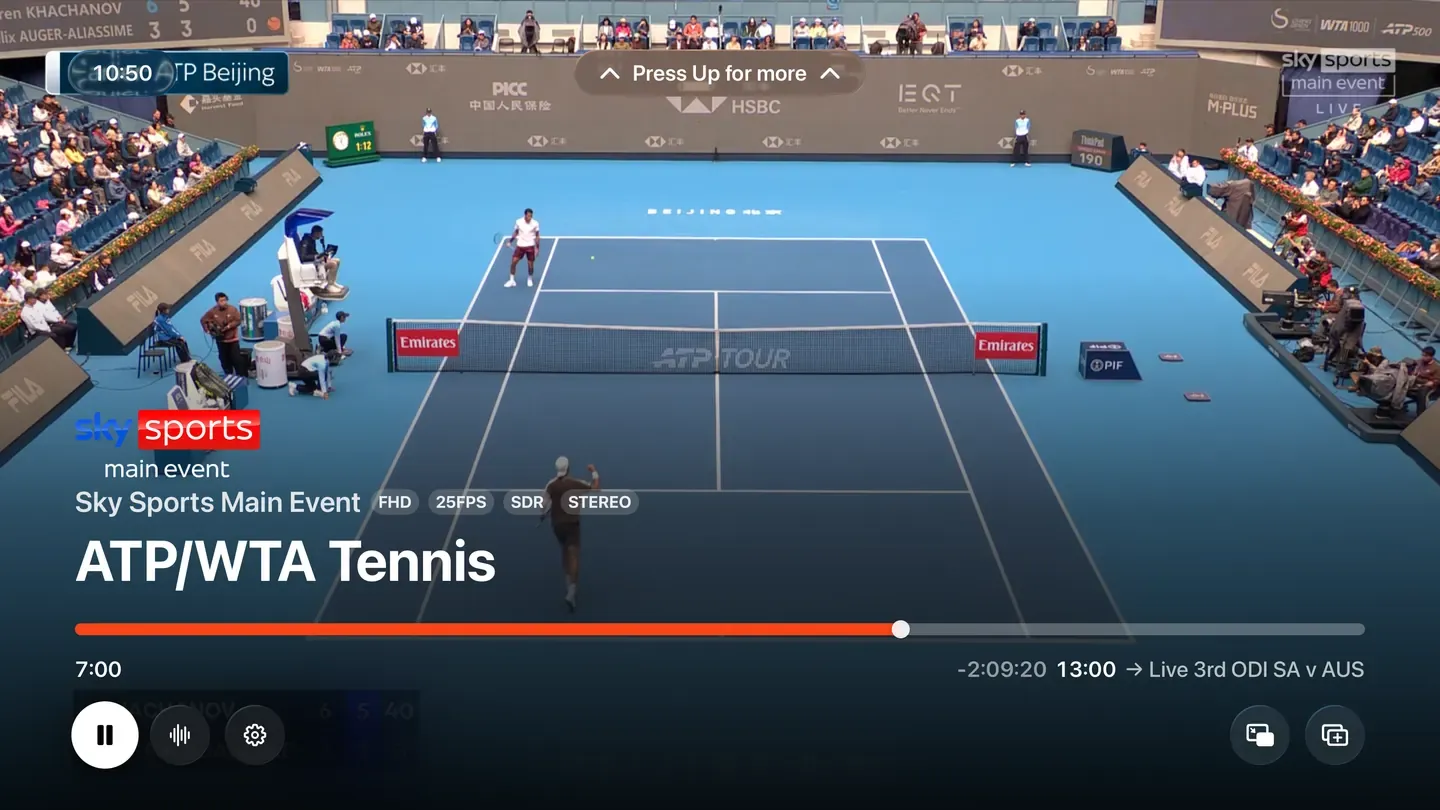
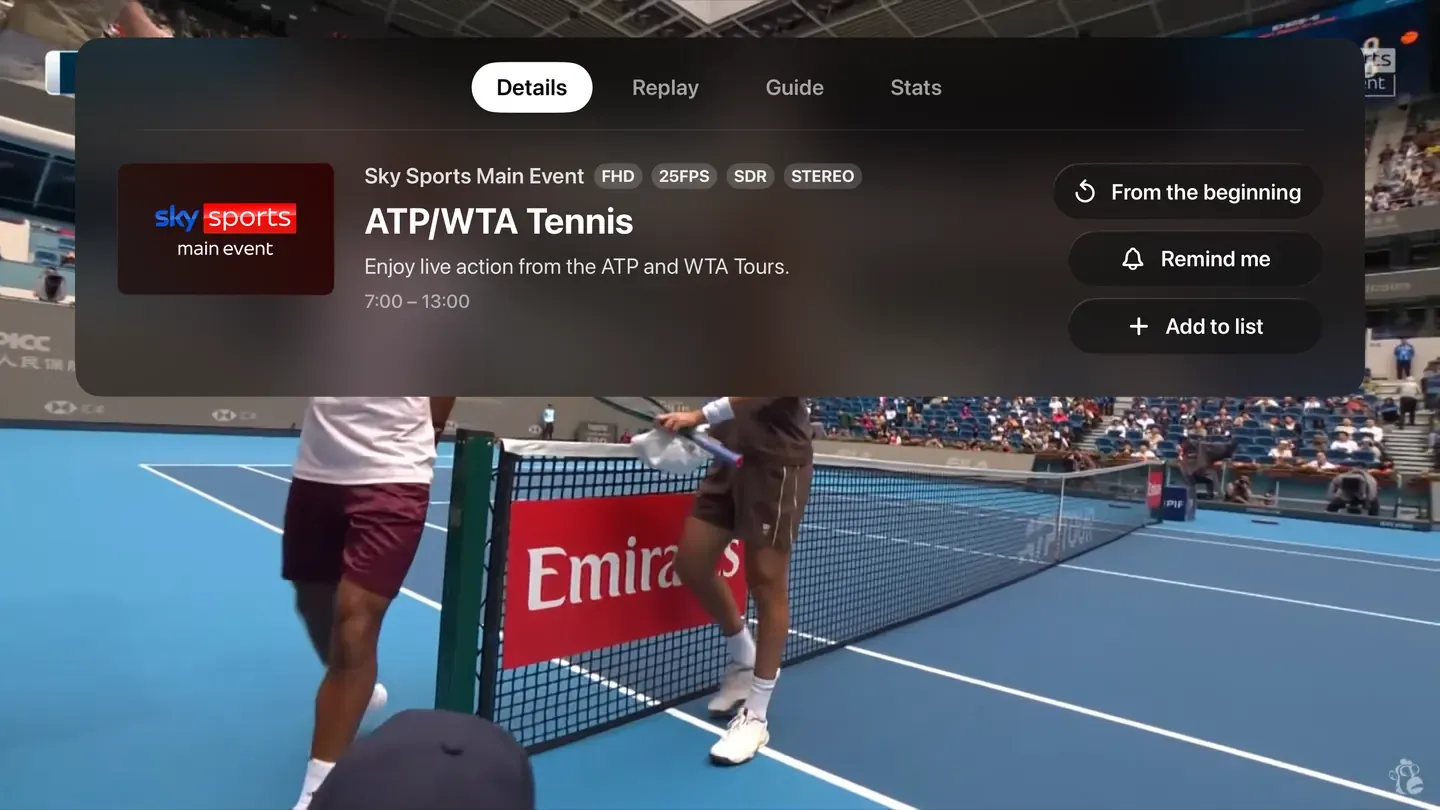
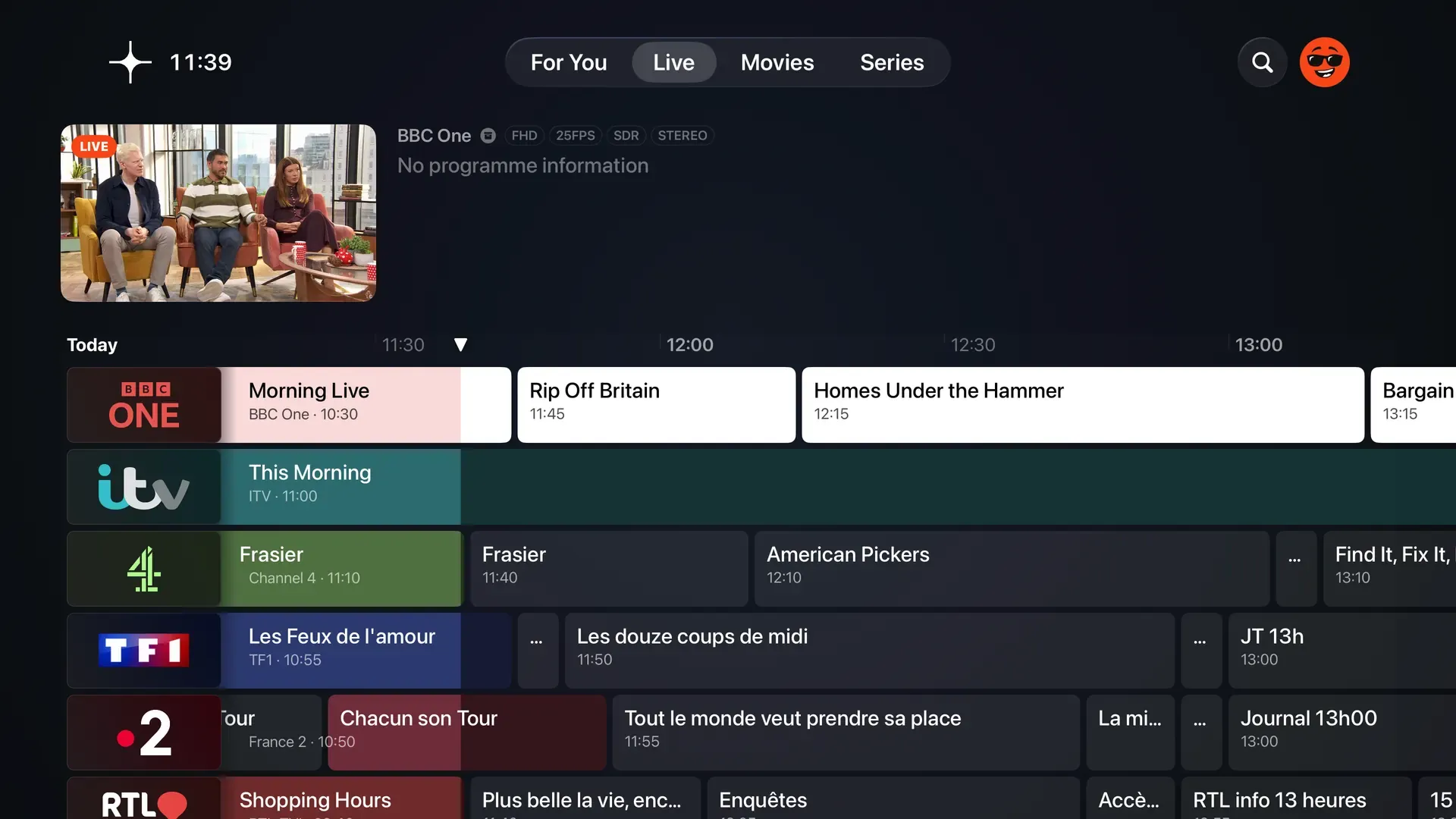
Zaply on Apple TV: the player, with the programme guide open over a live stream.

Built for the people you live with.

The three things Zaply was made to do.

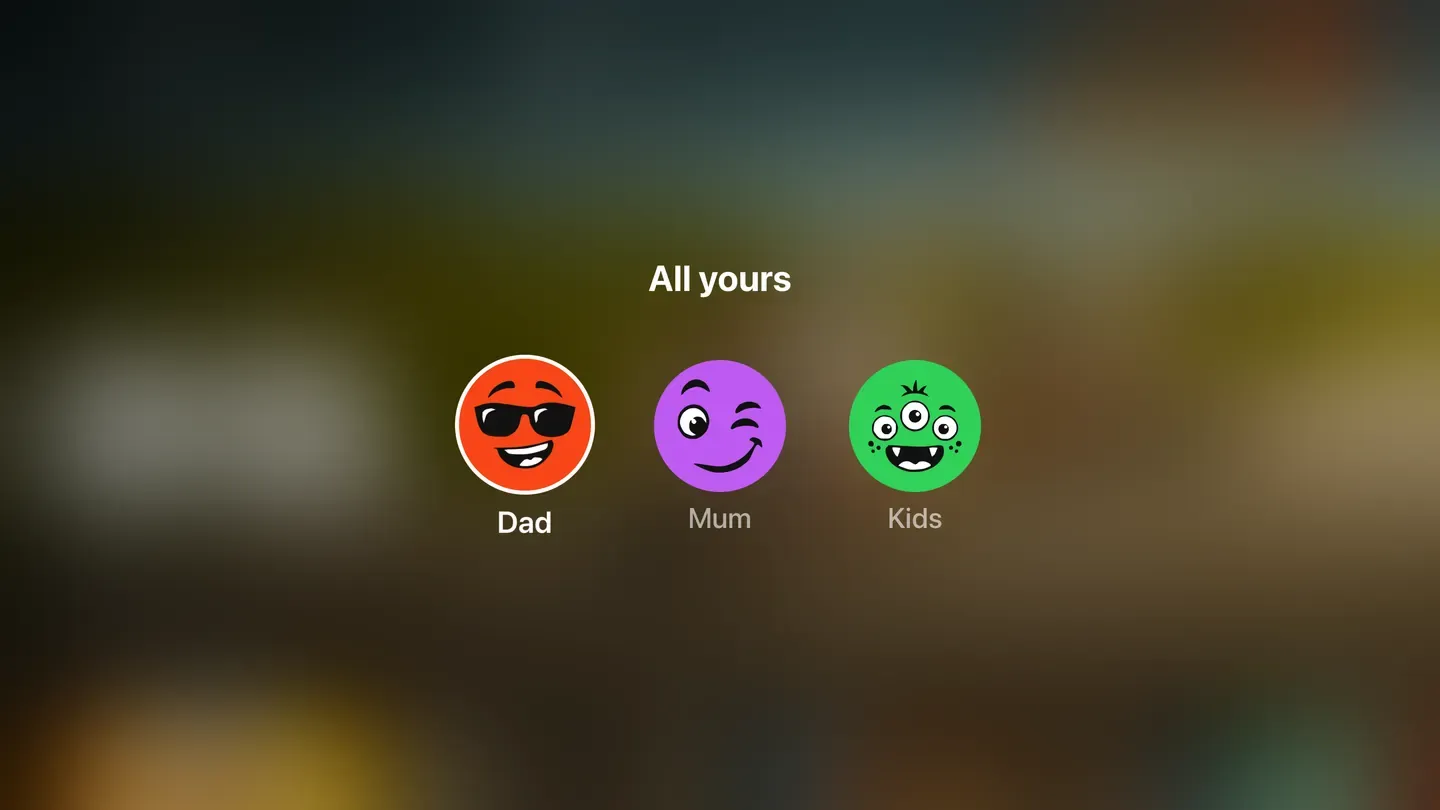
Zaply on Apple TV: the profile picker, with a separate profile for each person in the household.

Household

One playlist. Everyone’s own Apple ID.

Someone adds the playlist. Everyone they live with gets it — on their own Apple ID, with their own profile and their own Continue Watching. No shared password. No family plan to buy. It’s just how Zaply works.

Your playlist stays in your iCloud. Zaply has no servers holding your data.
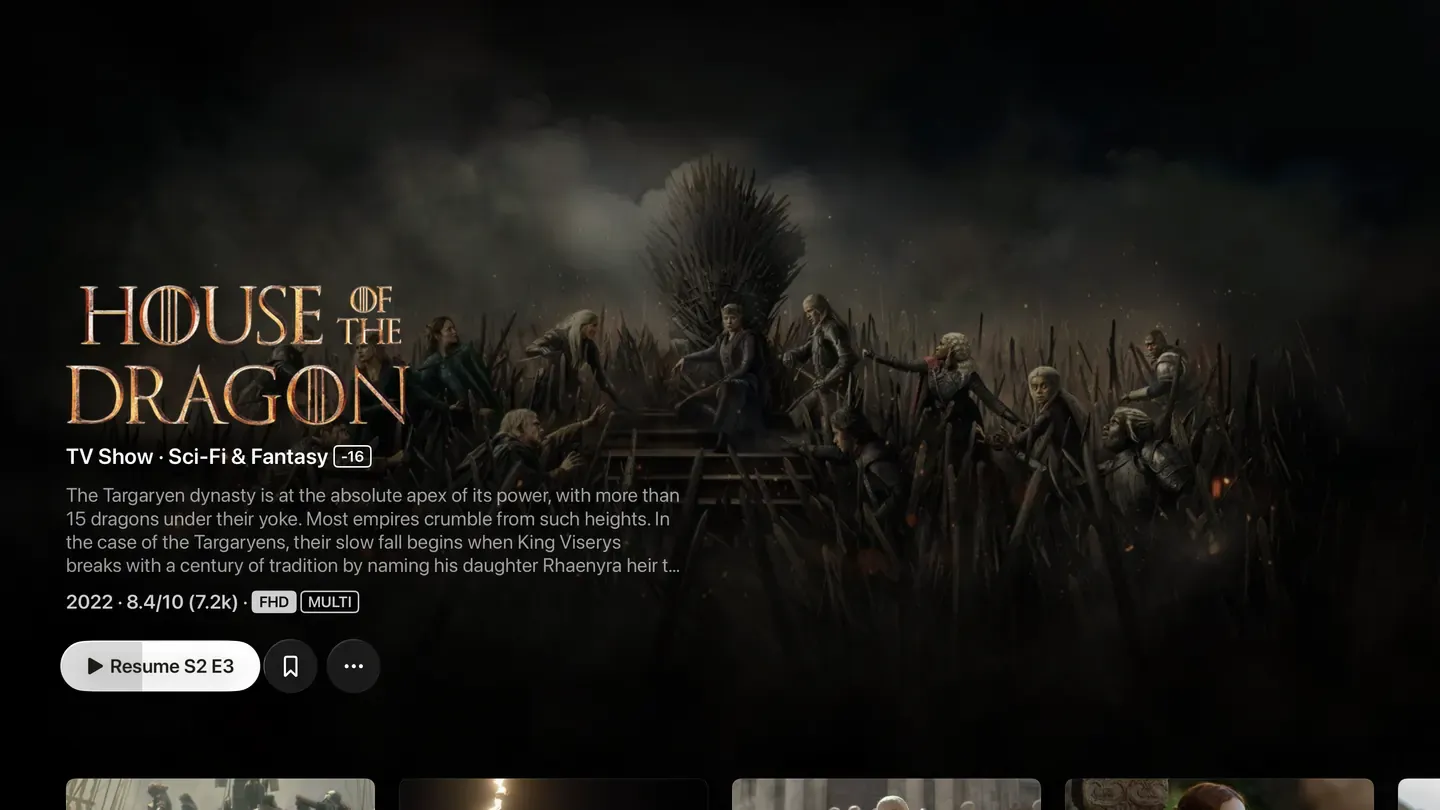
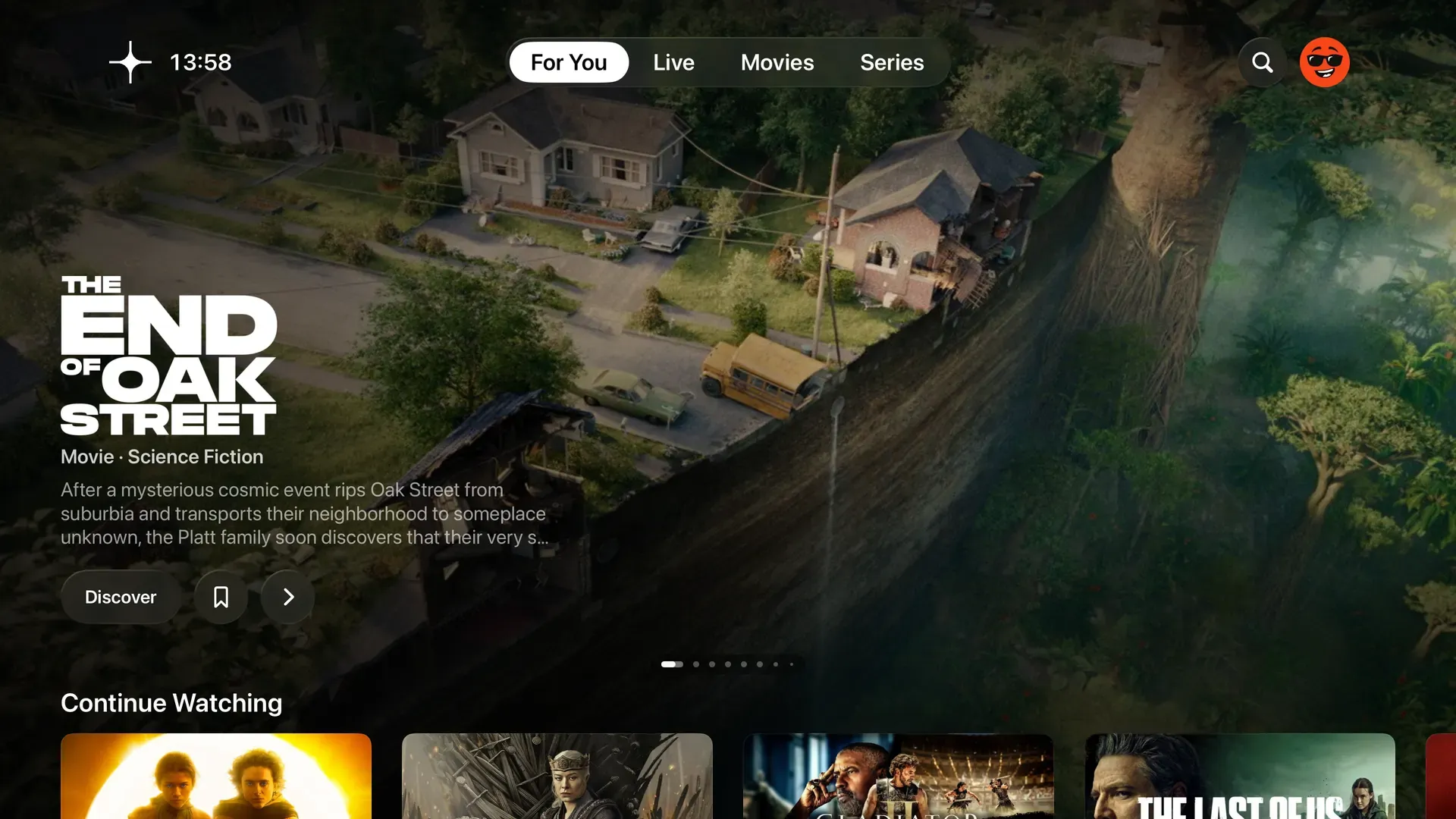
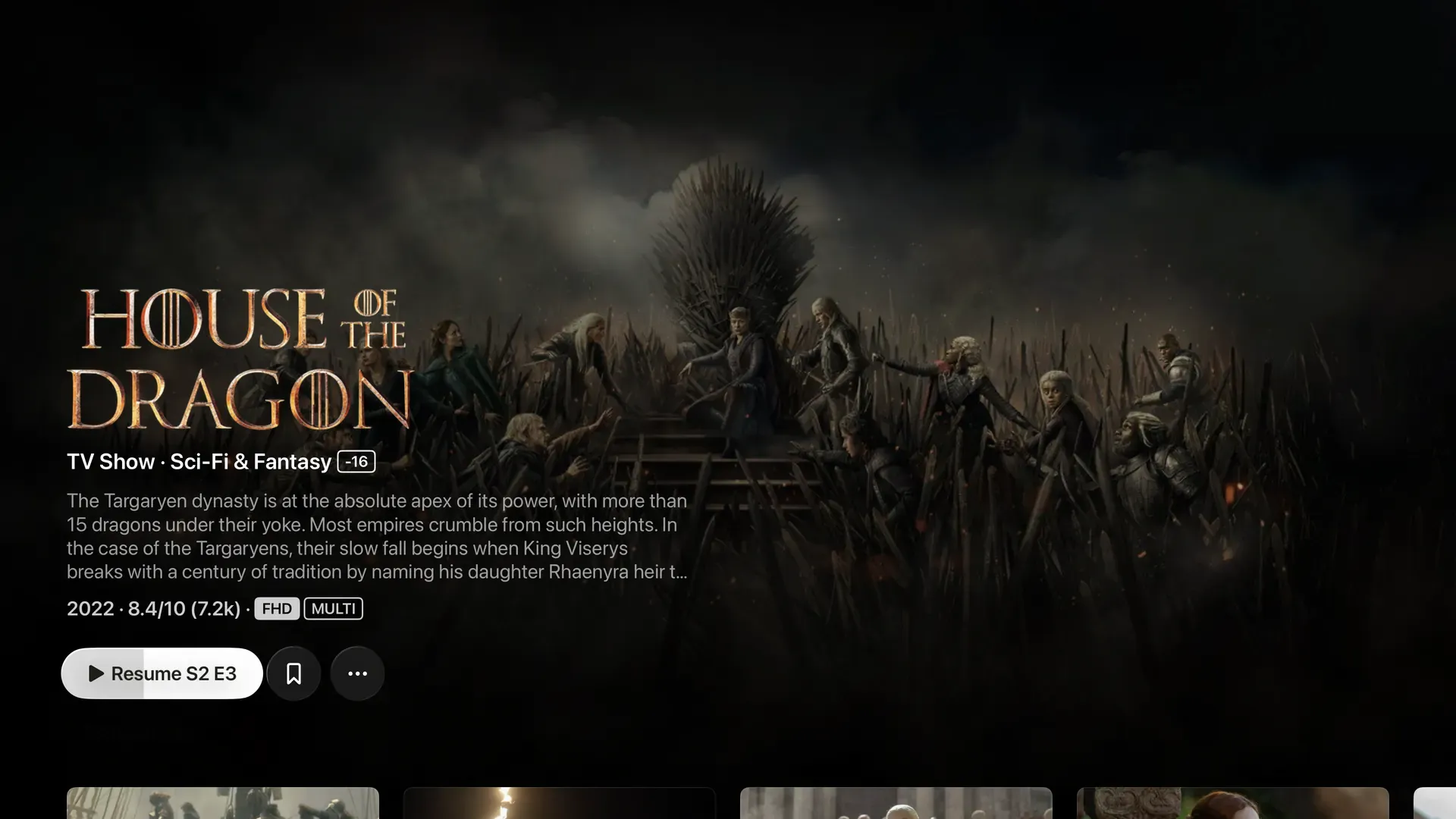
Zaply on Apple TV: a series, with the next episode ready to resume.

Series

Know when the episode is in your playlist. Not when it airs.

Follow a show. Zaply builds your calendar of upcoming episodes and notifies you when one actually lands in your playlist. No third-party account, no extra subscription.

Profiles

Your favourites are yours.

Each person gets their own favourites, history and Continue Watching, and nothing you watch turns up in anyone else’s rows. On Apple TV, switching takes one press.

And that’s not all.

  • Any source you already have. An M3U link, an Xtream login or a Stalker portal. A Plex, Jellyfin or Emby server. A NAS over SMB, a WebDAV folder, or pCloud. The details stay in your iCloud rather than on a server of ours.

  • More than one playlist. Keep several sources side by side and move between them. Everyone in the household can add their own without touching yours.

  • Trakt, Simkl and MDBList. Connect an account and what you play shows there as you watch, marked watched at 80%, with your watchlist and history kept in step. A profile in Incognito stays out of it.

  • Nine languages. English, French, German, Spanish, Italian, Dutch, Polish, Portuguese and Turkish.

  • TV guide. If your playlist carries a guide, Zaply picks it up on its own. You can add one yourself if it does not.

  • Zaply Recorder. A companion app for a Mac, PC or NAS that stays on at home. Set a programme to record and the file lives there, it tells you when it is ready, and it answers from outside the house too.

  • AirPlay and Chromecast. Send what you’re watching to the TV in the room. Both are built in, with nothing extra to buy.

  • Picture in Picture. Keep the match in the corner while you do something else. It follows you from app to app.

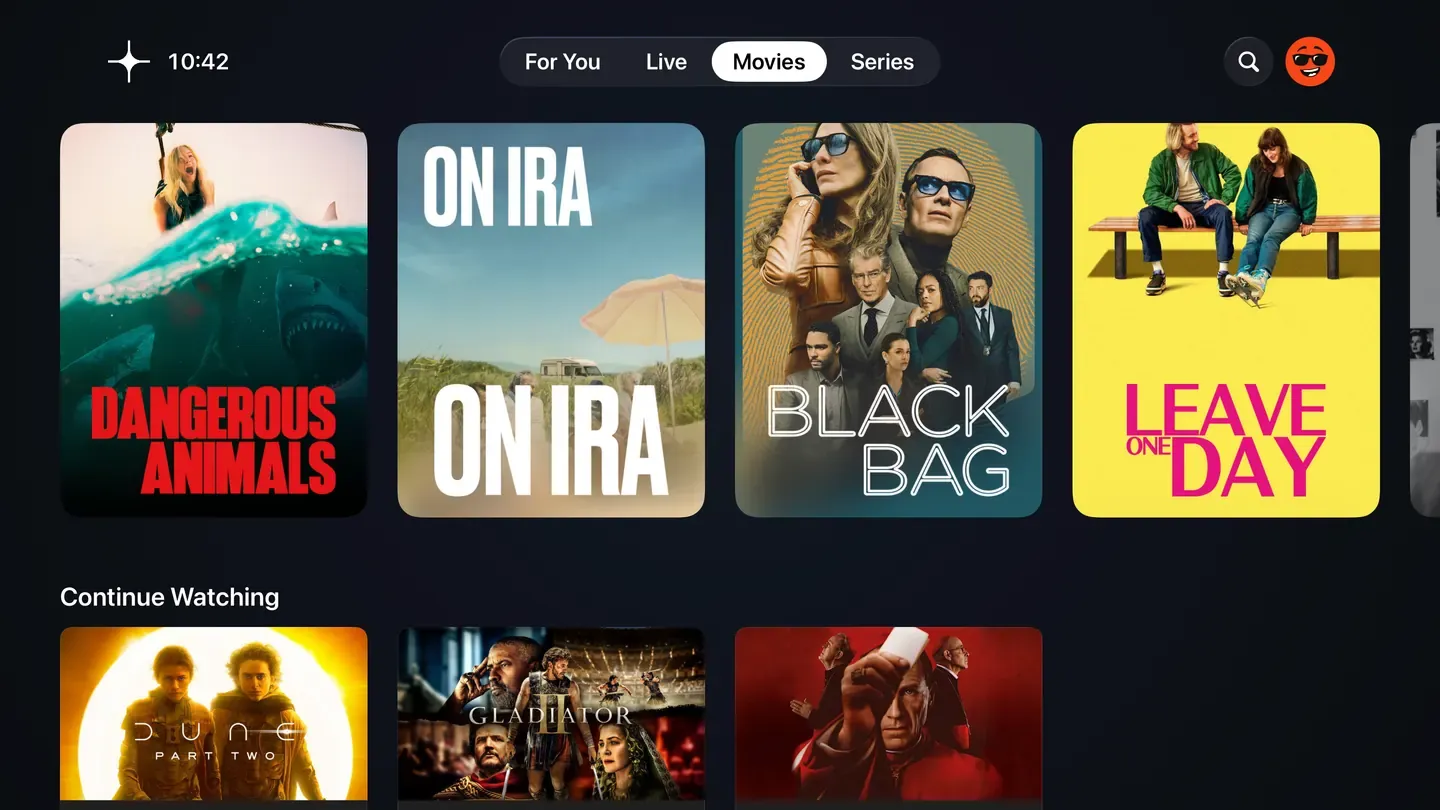
  • Continue Watching. Stop on the iPhone, carry on from the Apple TV. Your place moves through your own iCloud, and no one else can read it.

  • Multi-live. On Apple TV, put up to four streams on one screen at once, live or on demand, and pick the layout.

  • Dolby Atmos. Dolby Digital and Atmos are handed to your receiver untouched, so the sound is whatever your room can make of it.

  • Dolby Vision and HDR. Dolby Vision, HDR10 and HLG keep their signalling all the way through, so your television switches to the right picture mode on its own.

  • Parental code. One code for the household. It keeps hidden content hidden, and can be asked for before a profile opens.

Sport & calendar

Know what is on. Know what is coming.

Most players hand you a list and leave you to find things. Zaply follows what you care about and tells you when it turns up.

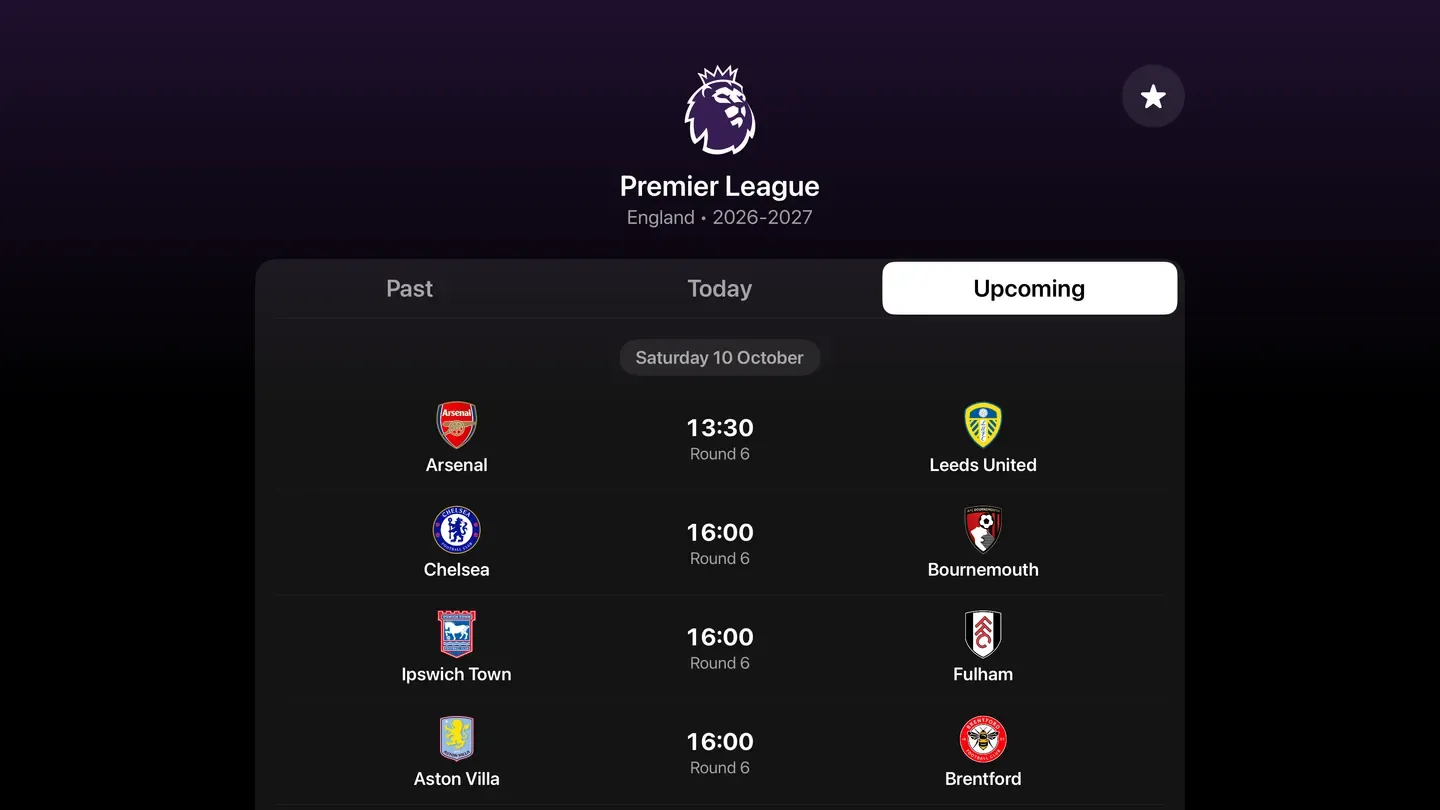
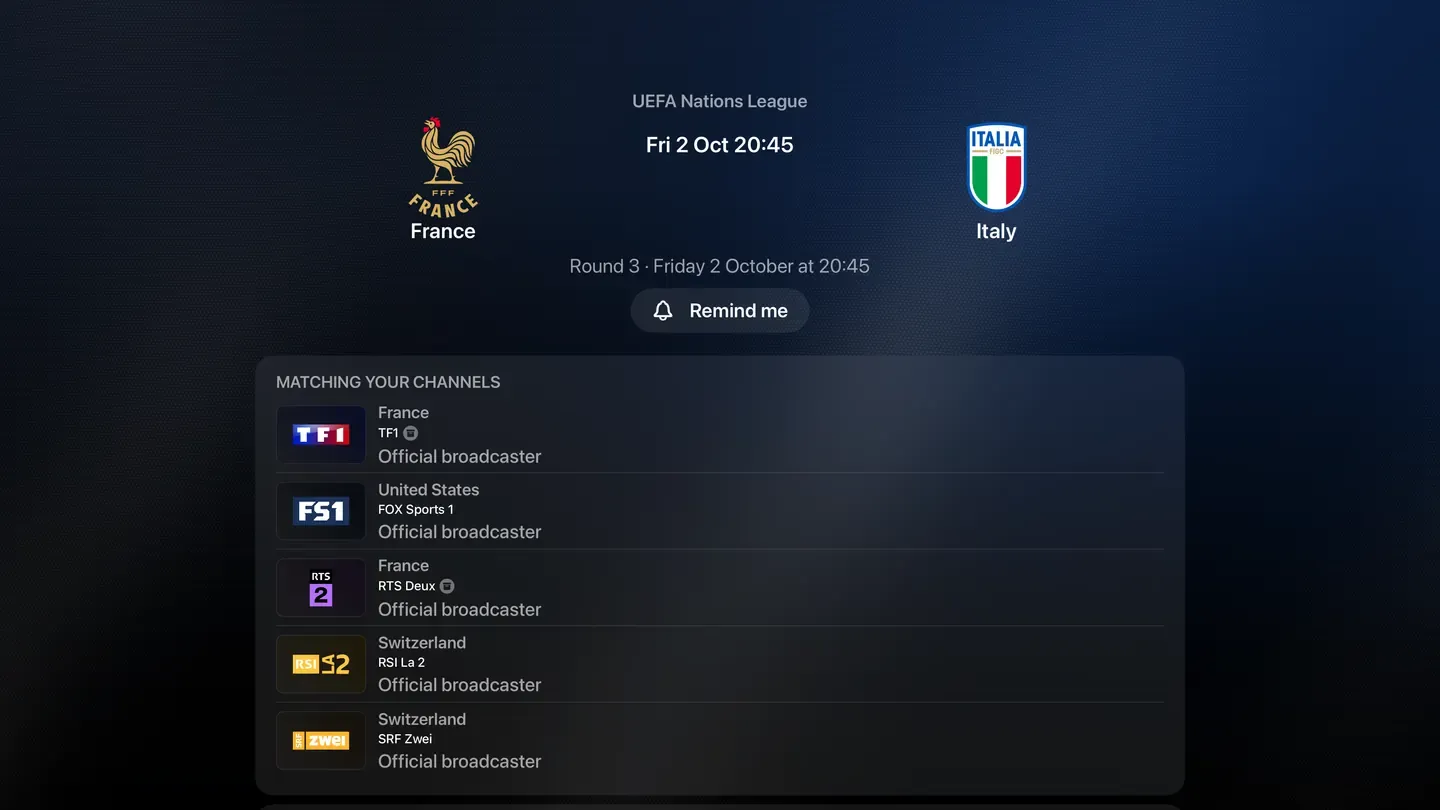
Pick the leagues you care about and Zaply keeps the fixtures, the tables and the results together. Open a match and it tells you which of your own sources is carrying it, before it starts.

Sport Center

Follow competitions, not schedules.

Pick the leagues you care about and Zaply keeps the fixtures, the tables and the results together. Open a match and it tells you which of your own sources is carrying it, before it starts.

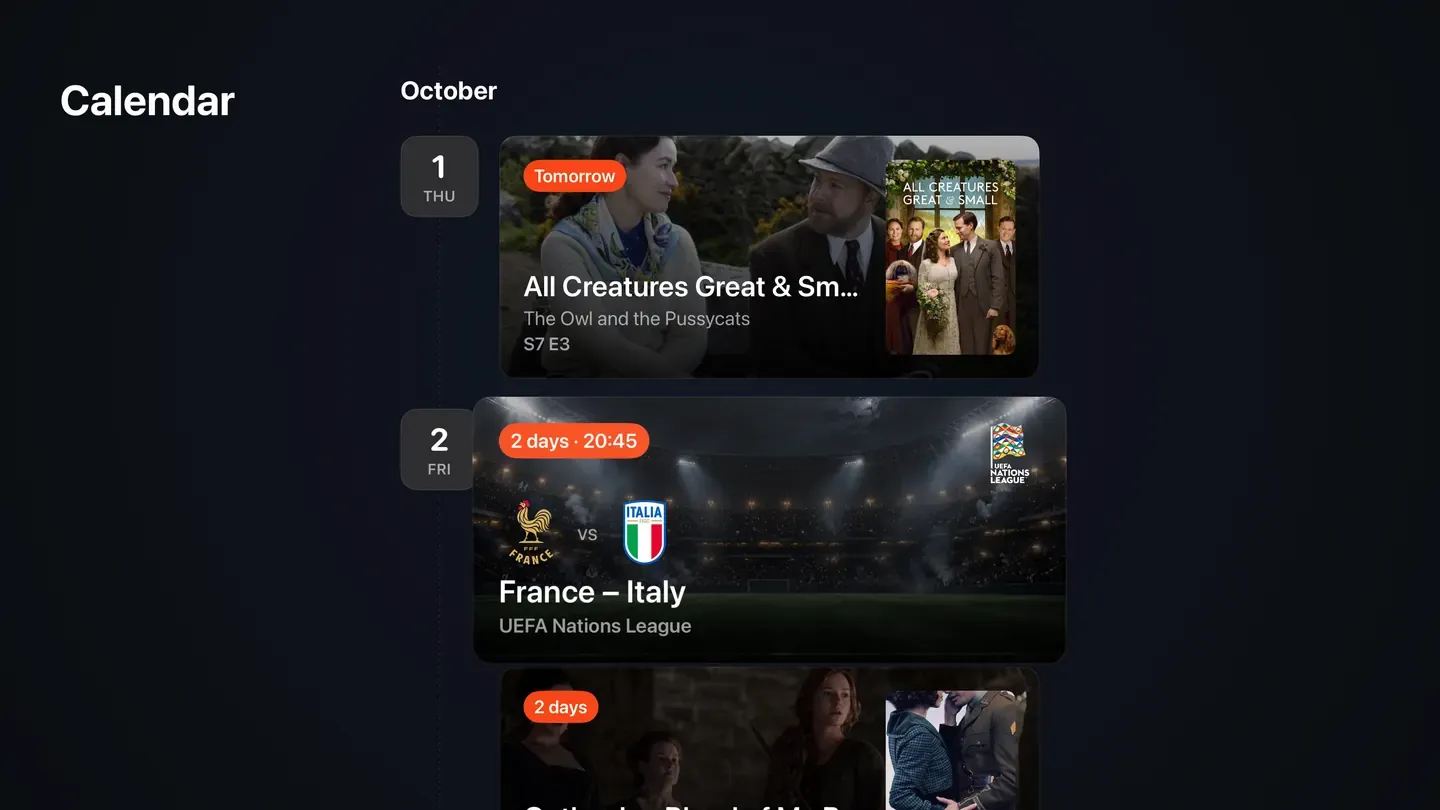
Follow a series or a competition and Zaply builds the calendar around it — what lands this week, what is next, and a reminder the moment it does.

Calendar

What is coming, before it arrives.

Follow a series or a competition and Zaply builds the calendar around it — what lands this week, what is next, and a reminder the moment it does.

Philips Hue

The room joins in.

Connect your Hue Bridge and the lamps around the screen take the colours of the picture beside them — then go back to how they were when you stop.

Zaply on Apple TV, with the lamps around the screen picking up the colours of what is playing.

Developed by Zaply. Not a product of Signify, the maker of Philips Hue.

Leave no trace.

There is no Zaply account and no Zaply backend. Your playlist, your profiles and everything you watch stay on your devices and in your own iCloud.

  • No account to create
  • Built-in VPN, if you use one
  • No servers holding your data
  • No analytics, no tracking code
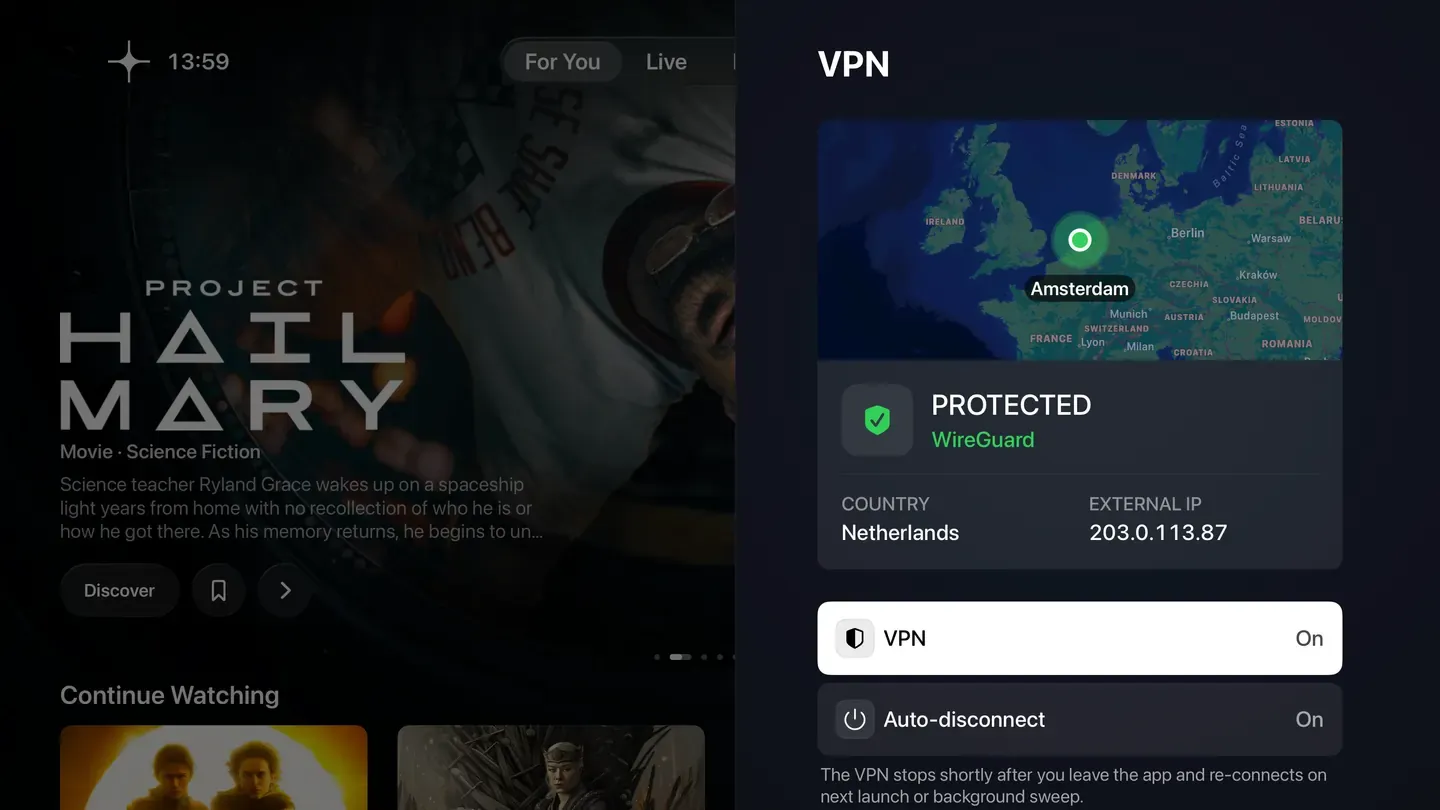
Zaply on Apple TV: the VPN screen, connected through an imported WireGuard profile.
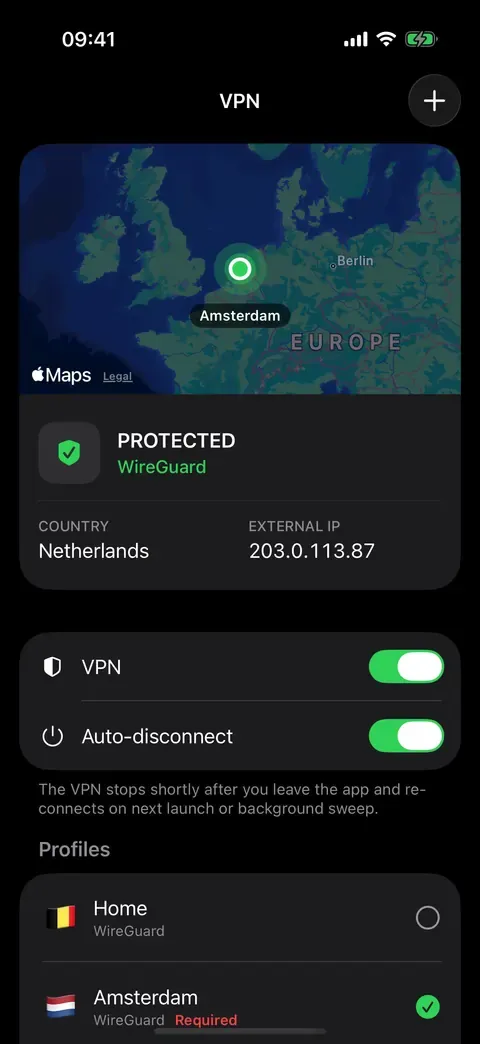
Zaply on iPhone: the VPN screen, showing a WireGuard profile the user imported.

Zaply is free. Not a trial — the whole app.

Something you open every evening should cost as little as possible. Ideally nothing. So every feature is in the free app, from the first minute.

The only thing it ever asks is that you consider Pro, now and then.

FAQ

What is Zaply?

A media player for IPTV playlists on Apple TV, iPhone and iPad. You add a playlist you already have; Zaply plays and organises it.

Does Zaply come with content?

No. Zaply doesn’t provide, host, index or recommend any content, and we can’t recommend providers. You bring your own — an M3U or Xtream API playlist, or your own Plex or Jellyfin server.

How does household sharing work?

One person adds a playlist and invites the people they live with. Each of them uses their own Apple ID and gets their own profile and progress. The playlist stays in the owner’s iCloud.

Do household members need to pay?

No. One Zaply Pro plan covers the people you live with.

What do I actually get for free?

The whole app, from the first minute — it is not a trial or a cut-down build. Pro does not unlock anything; it is how you support the work, and it settles the reminder that asks you to consider it.

Can I cast to my TV?

Yes, AirPlay and Chromecast are supported.

Does Zaply work with Trakt?

Yes, and with Simkl and MDBList. Connect an account to a profile and what you play appears there as you watch, with your watchlist and history kept in step. Sign in once per device. The series calendar works without any of them.

Where is my data?

On your devices and in your own iCloud. Zaply runs no servers that store your playlists, history or profiles.

I found a bug.

Open Settings → Troubleshooting → View the log, then share it with hello@goodfolks.fr or post it in our Discord. We answer every report.

Bring your playlist. Share it with the people you live with.

Zaply is a player. It doesn’t come with content.